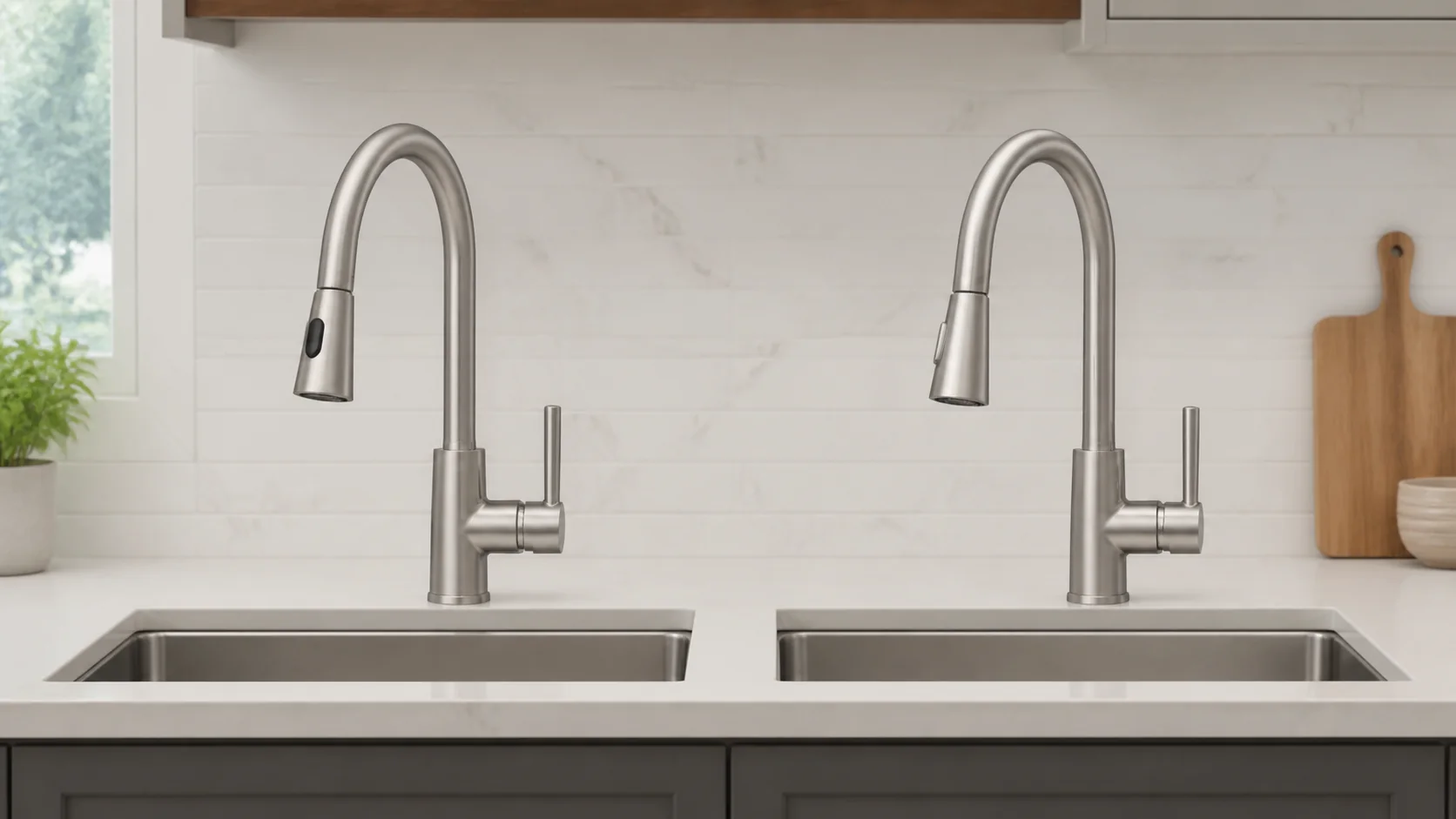
The useful comparison between a touchless and standard kitchen faucet is not “modern versus old-fashioned.” Both still need a valve that controls flow and mixing. A standard faucet asks the user to move a handle mechanically. A touchless model adds sensing, power, wiring, and usually a solenoid valve so water can start without moving the main handle. Those extra layers can improve workflow and access, but they also create failure modes and ownership costs a mechanical faucet does not have.
First identify what “touchless” controls
Sensor faucets do not all behave alike. Some use infrared motion; others use capacitive sensing near the spout. Some start and stop flow electronically while the handle remains set to a remembered temperature and volume. Others combine touchless, tap-to-activate, and manual control. Delta’s Touch2O with Touchless documentation, for example, describes three activation methods and a four-inch capacitive sensing field, while its installation guide says the handle governs temperature and volume during both manual and electronic operation.
Our top picks

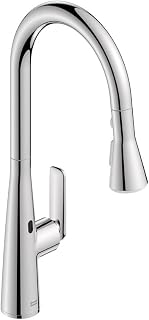


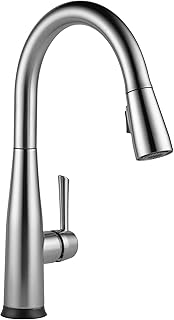
As an Amazon Associate we earn from qualifying purchases at no extra cost to you.
A standard handle communicates valve state visually. On an electronic model, the handle may remain “on” while the solenoid stops water. Before buying, test temperature and flow adjustment, activation behavior, and the cleaning-disable method.
Hygiene benefit: fewer touches, not a sterile sink
Hands-free activation can reduce handle contact during food preparation and after handwashing. That workflow benefit does not prove the faucet or water is microbiologically cleaner. Users still touch the spray wand, soap dispenser, sink, controls, and towels.
CDC guidance explains that tap water is not sterile and that biofilm germs can emerge from faucets and other water-using devices, especially after stagnation. Healthcare evidence has also raised concerns about contamination associated with some solenoid-activated faucet designs. Those clinical findings do not mean a residential touchless faucet is inherently dangerous; they show why “touchless” should not be marketed as germ-free. Cleaning, flushing after long non-use, safe food handling, and handwashing remain necessary for either design.
Power and outage behavior must be model-specific
A standard mechanical faucet needs water pressure but no electricity. A sensor faucet may use replaceable batteries, an AC adapter, or both. Under-sink access, outlet type, outlet switching, battery chemistry, and replacement procedure therefore belong in the purchase decision.
Moen says certain MotionSense versions use six AA alkaline batteries for approximately one year or an optional AC kit requiring constant GFCI-protected power. It also states that power is needed for both electronic and manual modes on those control-box versions. Plugging the adapter into a disposal-switched outlet can disable the faucet whenever the switch is off.
Delta documents different fallback behavior for Touch2O models: battery-powered electronic functions can continue during a household outage, and specified models retain manual operation without battery power. Its newer touchless page estimates about one year from six AA batteries or three years from six C batteries. These are manufacturer estimates under stated usage, not universal battery promises. Verify the exact model and generation; do not assume one brand’s bypass applies to another.
False activation and missed activation have causes
A sensor may trigger when a large pot, hand, towel, or cleaning motion enters its field. It may also miss a wet, fast, or poorly positioned gesture. Sensor location and logic matter more than the “touchless” label. Delta states that one system shuts flow after four minutes of no activity, which limits—but does not prevent—water released by unintended activation.
Unexpected operation can also indicate installation or power trouble. Moen’s MotionSense troubleshooting identifies weak or loose batteries, partially disconnected power cords, loose cables, or an unsecured AC adapter as sources of erratic signals. Delta support advises keeping sensor wiring from touching metal or other wires on relevant models. A household with curious pets or small children should test the actual sensing zone and confirm the automatic shutoff behavior.
Failure modes: compare the water path
Both designs can develop cartridge wear, seal leaks, mineral-restricted aerators, damaged pull-down hoses, loose mounting, or corroded supplies. A standard faucet usually adds no electronic component between its mechanical valve and outlet. Diagnosis is therefore shorter: handle input, cartridge, hoses, and outlet.
A touchless faucet adds a sensor, control module, connectors, power source, and solenoid. Symptoms may include no response, intermittent flow, spontaneous activation, failure to close electronically, warning-light codes, or loss of the electronic temperature indication. Delta sells model-specific replacement solenoids and warns that physically similar generations may not be compatible. Parts availability and control-box identification are legitimate lifecycle questions.
Manual bypass is not identical across products. Delta provides approved procedures for certain generations, including disabling electronics in a defined operating state or removing a compatible solenoid and reconnecting the hose. Improvised bypassing can cause leaks or uncontrolled flow. Keep the manual and model number inside the sink cabinet before a failure occurs.
Accessibility depends on the user and interface
Touchless activation can help a user with limited grip strength, arthritis, one occupied hand, or difficulty reaching the handle. A broad sensing field can be easier than pinching or rotating a control. Yet it does not automatically solve temperature selection, pull-down-wand weight, spray-button force, or reach. Someone with tremor or involuntary movement may find an over-sensitive zone frustrating.
A lever-operated standard faucet can also be accessible, especially when the handle is long, low-force, and reachable from the primary work position. The best evaluation is task-based: fill a heavy pot, rinse produce, wash both hands, change temperature, stop water urgently, and operate during a power or battery failure. Include every regular user rather than choosing from feature lists.
Cleaning and service access
A touchless faucet may accumulate fewer fingerprints on its handle, but the spout and sensor still collect splash, grease, and scale. Disable sensing by the exact manual before wiping so a cloth does not start water unexpectedly. Do not spray cleaner into a sensor window, wiring entry, battery holder, or control box. Use the finish maker’s approved cleaner on a cloth.
For either design, inspect the aerator, faucet base, supply hoses, pull-down hose, weight, quick connector, and cabinet floor. Electronic models add dry, strain-free cable routing, secure plugs, battery corrosion, and control-box mounting. The site’s kitchen faucet maintenance checklist can organize these recurring checks.
Installation is more than an extra wire
Both faucet types require compatible deck holes, counter thickness, supply connections, clearance, stable mounting, and room for a pull-down hose. Touchless installation additionally needs a protected battery location or suitable constant-power outlet, specified control-box orientation, cable separation, and a clear hose path. Crowded disposal, filter, and storage layouts can interfere with sensors or moving hoses.
Follow the model’s grounding and GFCI requirements for an AC adapter; extension cords and disposal-switched outlets are not automatic substitutes. Before removing the old fixture, read the guide to install a kitchen faucet and confirm that shutoffs work. Electrical changes, corroded valves, stone drilling, or altered plumbing deserve qualified help.
Lifecycle cost is parts plus interruption
Purchase price is only the first line. For touchless ownership, add expected batteries or approved AC adapter, possible solenoid or control-module replacement, service labor, and the value of downtime. Check warranty coverage separately for faucet body, finish, electronics, and labor. Record current replacement-part prices and availability for the exact model rather than inserting a generic estimate.
Decision matrix
| Household priority | Better starting point | Condition to verify |
|---|---|---|
| Frequent messy food preparation | Touchless | Useful sensing zone and simple temporary disable |
| Limited grip or reach | Touchless or long-lever standard | Test temperature, flow, wand, and outage operation |
| Rental or occasional-use property | Standard | Parts availability and intuitive guest control |
| Busy family with pets | Either | False-trigger behavior and automatic shutoff |
| No suitable under-sink outlet | Standard or battery touchless | Battery access and manufacturer life estimate |
| Minimal maintenance priority | Standard | Serviceable cartridge and hose |
| Convenience outweighs added components | Touchless | Manual fallback, warranty, and stocked electronics |
Once the operating model is clear, use the sensor and power guide to verify fallback behavior, sensing controls, and replacement-part details.
Frequently asked questions
Will every touchless faucet work manually with dead batteries?
No. Delta documents manual fallback for specified Touch2O models, while Moen states that some MotionSense control-box versions require battery or AC power even in manual mode. Verify the exact model.
Is touchless automatically more hygienic?
It can reduce handle contact, but does not sterilize water, prevent biofilm, or eliminate contact with other sink surfaces. Treat hygiene as a workflow advantage with clear limits.
Why does a sensor faucet turn on by itself?
Possible causes include an object entering the sensing field, weak batteries, loose power or sensor connections, cable contact, configuration, or component failure. Use the maker’s troubleshooting tree.
Can an AC adapter and batteries provide backup together?
Only if the model explicitly supports that configuration. Some adapters replace the battery pack; others may provide a different arrangement. Never combine power sources without instructions.
Which design lasts longer?
There is no universal lifespan. Water conditions, valve quality, hose wear, electronics, installation, maintenance, and parts support all matter. Standard designs avoid electronic failure modes; touchless models can remain practical when modules are available and fallback is well designed.
The deciding question
Choose touchless when reduced hand contact and quick activation materially improve daily tasks—and when the household accepts batteries, electronics, and model-specific troubleshooting. Choose standard when transparent control, simple outage behavior, and fewer components matter more. In both cases, judge the exact faucet by safe manual control, accessible shutoffs, service documentation, compatible parts, and how real users perform real sink tasks.
Primary references
- Moen MotionSense power requirements
- Moen MotionSense unintended-activation troubleshooting
- Delta Touch2O with Touchless operating and power information
- Delta power-outage guidance
- Delta Touch2O installation and operation guide
- CDC household waterborne-germ guidance